


What to Know Before Converting an Online Video to MP4
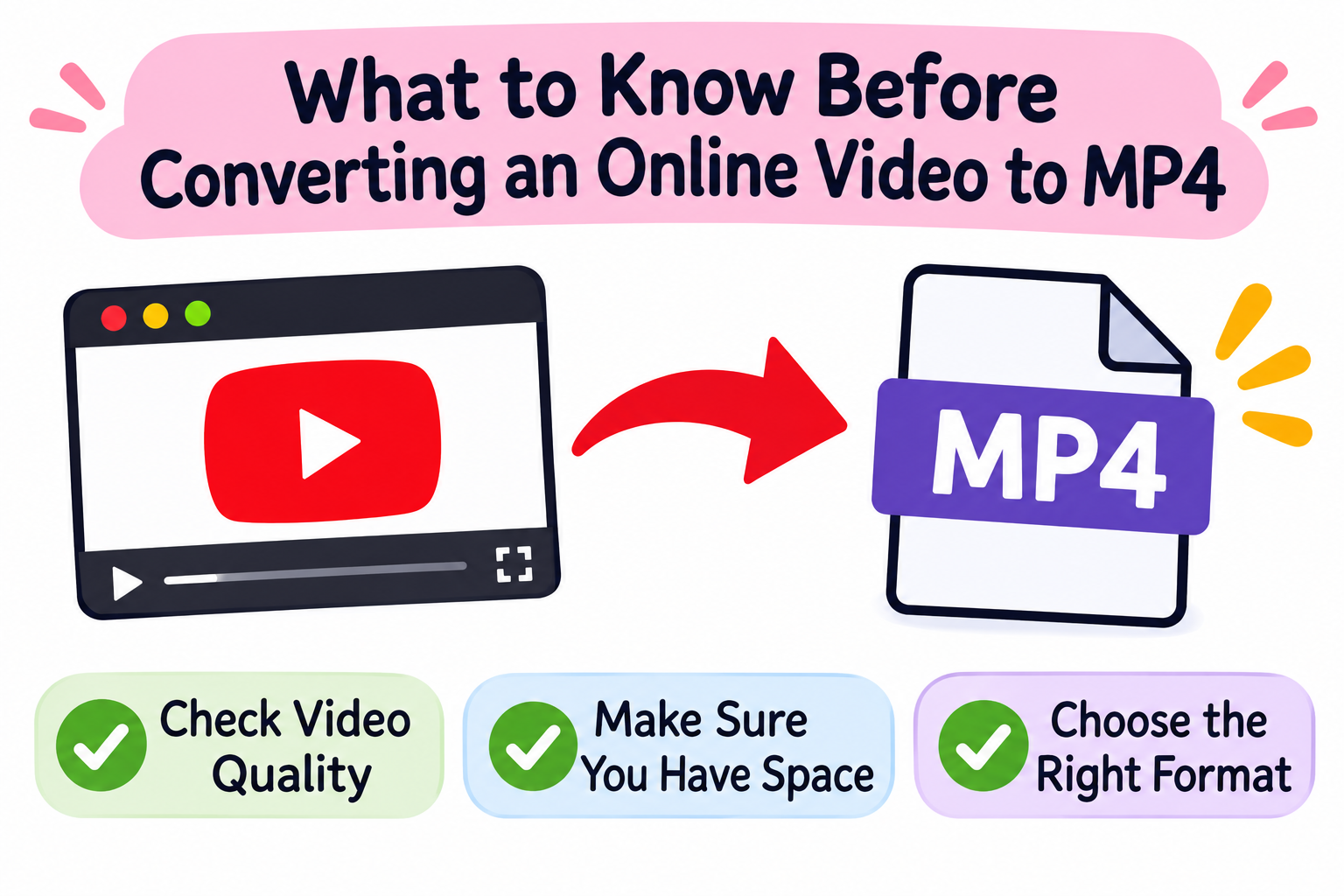
Converting an online video to MP4 is a simple way to save videos in a format that works on most devices. Before converting, it is helpful to check the video quality, file size, and available format options. These small details can make a difference in how the saved video looks and plays. With the right settings, you can keep your videos ready to watch on your phone or computer whenever you need them.
Things to Check Before Saving a Video in MP4 Format
Before saving an online video on YouTube to MP4 format, there are a few things worth checking. First, look at the available video quality and choose a resolution that suits your needs. Higher quality usually takes more storage space, while lower quality can help save space on your device. Also, make sure the video is supported by your device and that you have a stable internet connection during the download. Checking these details can help you avoid common problems and enjoy smooth video playback later.
How to Get Better MP4 Video Quality
Getting good MP4 video quality starts with selecting the right resolution before downloading. Many videos are available in different options, such as 360p, 480p, 720p, 1080p, and sometimes 2K or 4K. If you want a clear picture for a larger screen, choosing a higher resolution can be a good option. For everyday viewing on a mobile phone, a lower resolution may also be enough.
Another thing to consider is the quality of the original video. If the source video is already low quality, converting it to a higher resolution will not make it look sharper. You should also check the file size before saving because high-quality videos usually take up more storage. Choosing the right balance between picture quality and file size makes watching and storing MP4 videos easier.
Choosing the Right Format for Your Video
Different video formats offer different ways to save and play online content. Before choosing one, think about where you plan to watch the video and how much storage space you have available. MP4 is often a convenient choice because it is supported by many devices and keeps video files easy to handle. Selecting a suitable format from the beginning can save time and help you avoid playback issues later.
Advantages of Converting Online Videos to MP4
Works on Different Devices
MP4 is supported by most smartphones, tablets, laptops, and desktop computers. You can save a video once and watch it on different devices without needing to change its format.
Good Video Quality
MP4 can maintain clear video quality while keeping the file size manageable. You can choose a suitable resolution, such as 720p, 1080p, or 4K, depending on the original video's available quality.
Watch Videos Offline
Once a video is saved on your device, you can watch it without an active internet connection. This is useful when travelling, during breaks, or in places where the internet connection is slow.
Easy File Sharing
MP4 files are easy to share through supported messaging apps, computers, and other file-sharing methods. Their wide compatibility makes it simple for others to open and play the videos.
Save Storage Space
MP4 offers a useful balance between video quality file size. You can select a suitable resolution to avoid using too much storage, especially when saving multiple videos.
Simple Video Management
Keeping videos in MP4 format makes it easier to organise your saved content. You can create separate folders for tutorials, music videos, entertainment, or other content and find them whenever needed.
What Makes MP4 a Useful Video Format?
One of the main reasons MP4 is widely used is its flexibility. It can store video, audio, and other useful information in a single file, making content easier to save and manage. It also works with many popular devices and platforms, so you can move your videos between a phone, laptop, or tablet without worrying much about format support. Its combination of decent quality, manageable file size, and easy playback makes MP4 a practical choice for everyday video use.
Enjoy Your Videos Without Compatibility Problems
-
Works on Multiple Devices
-
Easy Video Playback
-
Better Storage Management
-
Supports Different Resolutions
-
Good Video and Audio Quality
-
Easy File Sharing
-
Offline Video Watching
-
Wide Media Player Support
-
Convenient Video Storage
How MP4 Makes Video Playback More Flexible
MP4 gives users more freedom to watch their saved videos whenever and wherever they want. You can pause a video, play it again, or move it to another device for later viewing. It also works with many standard media players, making it easier to enjoy video content without extra format changes.
Conclusion
In conclusion, MP4 is a simple and useful format for saving online videos. It lets you watch videos on different devices, enjoy good quality, and keep files easy to manage. Before downloading, choose the video quality that works best for you and check your available storage space. With the right options, you can save videos and watch them later whenever you want.
