


Can Sony TV Service Center repair problems with surround-sound output?
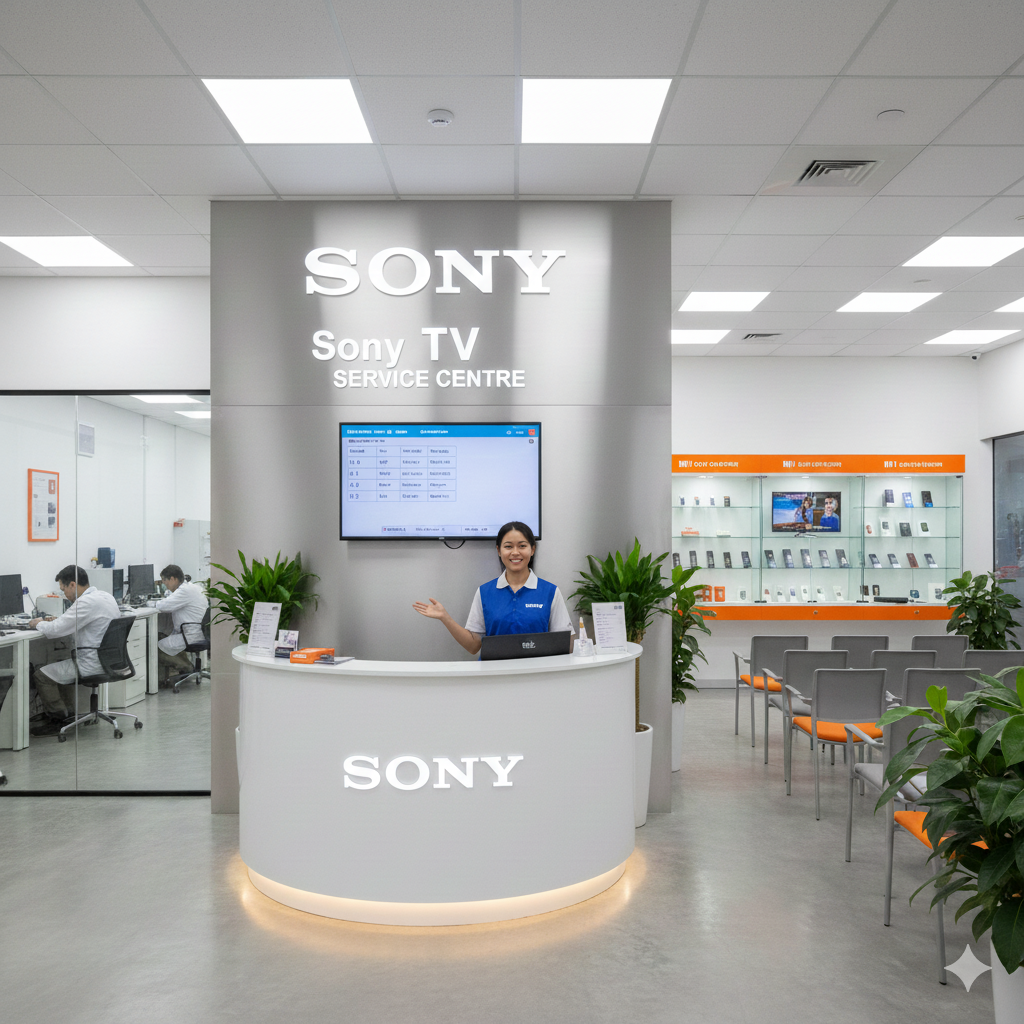
INTRODUCTION
Sony TV Service Center can diagnose and troubleshoot problems with surround-sound output when a television does not produce the expected audio effect through a connected soundbar, home theatre system, AV receiver, or other compatible equipment. Surround sound is designed to create a wider and more immersive listening experience by distributing audio across multiple speakers. When rear speakers remain silent, dialogue sounds unbalanced, channels are missing, or the audio seems limited to stereo, several settings and connection factors may be responsible. A structured diagnosis can identify whether the issue involves the TV, external equipment, audio format, cables, or configuration.
Understanding Surround-Sound Output Problems
Surround-sound problems can appear in several ways. A television may produce sound normally through its built-in speakers but fail to send the expected multichannel audio to an external system. In another situation, all speakers may work, but the surround effect may seem weak or incomplete.
Some users notice that dialogue comes through the centre speaker while background effects do not reach the rear speakers. Others may hear only two channels even though the connected sound system supports a multichannel format.
These symptoms do not necessarily mean that the television has a hardware fault. Audio settings, source content, connection standards, and external equipment configuration can all affect surround output. Identifying exactly what is missing is therefore an important first step.
Common Causes of Surround-Sound Issues
Several factors can interfere with surround-sound output. The first is the audio format being transmitted from the source. Not every television program, streaming title, or external device provides multichannel audio.
The selected television audio output mode can also influence the signal. Depending on the available settings, the TV may send compatible audio in a particular format or convert it before reaching the external sound system.
Connection type is another important consideration. HDMI ARC or eARC can provide different audio capabilities compared with optical or other connections. Incorrect cable placement or unsuitable configuration can prevent the expected audio format from reaching the receiver or soundbar.
External equipment settings should also be examined because a soundbar or receiver may have its own input, sound mode, or speaker configuration.
How Sony TV Service Center Diagnoses Surround Sound
Diagnosis generally starts by reproducing the problem with a known audio source. A technician can determine whether the issue occurs with live television, streaming applications, or an external HDMI device.
The connected sound system can then be checked to determine whether all speakers are detected and operating. Testing the television's internal speakers separately can help establish whether the problem is limited to external surround output.
Audio output settings are also reviewed. The technician may examine speaker selection, digital audio output, HDMI audio settings, and other relevant controls. Different compatible audio configurations can then be tested to determine whether the surround signal changes.
This process helps separate a source-content limitation from a television configuration problem or external equipment issue.
Checking HDMI ARC and eARC Connections
HDMI ARC and eARC are commonly used to connect televisions with compatible soundbars and AV receivers. If surround sound is not working correctly, the HDMI connection should be checked carefully.
The cable must be connected to the appropriate HDMI port on both devices. The television and external audio equipment should also be configured to communicate through the correct audio-return function.
A technician can test the connection and determine whether the expected audio signal reaches the external system. If the equipment supports multiple audio formats, different compatible settings can be evaluated.
If surround output works through one source but not another, the issue may involve the source format rather than the physical HDMI connection.
Checking Optical Audio Output
Optical connections can also be used for sending television audio to compatible external equipment. However, the supported audio capabilities may differ from newer connection standards.
If a user expects full surround output through an optical connection, the television and external device must both support the selected audio format through that connection.
A technician can review the television's digital audio output settings and compare the resulting sound with another compatible connection where available.
This comparison can help determine whether the problem is related to the connection method, audio format, or external equipment configuration.
Testing the External Sound System
The television is only one part of a surround-sound setup. A soundbar, AV receiver, amplifier, or home theatre system may have its own configuration that determines how incoming audio is distributed.
The external system may be set to stereo, direct, standard, movie, or another listening mode. Some modes may not activate all available speakers depending on the incoming signal.
Speaker connections should also be checked. If a rear speaker, centre speaker, or subwoofer is not connected correctly, the overall surround experience may appear incomplete.
Testing the external system with another compatible source can help determine whether the equipment itself is functioning correctly.
Sony TV Service Center in Currey Road
Sony TV Service Center in Currey Road can be considered when surround-sound output continues to behave incorrectly after basic connection and configuration checks. A detailed diagnosis can compare the television's internal audio with output through a compatible soundbar, receiver, or home theatre system.
Users should explain exactly what they observe. For example, they can mention whether the rear speakers remain silent, whether only stereo sound is produced, or whether specific channels are missing.
It is also helpful to identify the connection being used, such as HDMI ARC, HDMI eARC, or optical audio. Information about the connected sound system and affected content can help narrow the diagnostic process.
A technician can test different sources and settings to determine whether the problem originates from the TV or another part of the audio system.
Checking Audio Output Settings
Audio output settings are important because the television may offer several ways to process or transmit sound. Depending on the model and connected equipment, users may have options related to digital audio format, speaker selection, HDMI audio, or passthrough behavior.
An incorrect setting can prevent a compatible external system from receiving the expected signal. During diagnosis, settings can be reviewed individually rather than changing several options simultaneously.
The same content can then be played while different supported configurations are tested. This method helps establish whether the surround problem is caused by a particular output mode.
Keeping a record of the original settings can also be useful before making significant changes.
Testing Streaming and Broadcast Content
Not every program contains surround-sound information. Some television channels and online videos may provide only stereo audio. In such cases, a surround system may not activate every speaker in the way users expect.
Streaming services can also provide different audio formats depending on the title, application, and playback configuration. Testing content known to support multichannel audio can help establish whether the system is working correctly.
If surround sound works with one supported source but not another, the difference may be related to the content or application. If no compatible source produces proper surround output, further investigation is appropriate.
Sony TV Service Center in Banashankari
Sony TV Service Center in Banashankari can help investigate surround-output problems by checking television settings, connected audio equipment, signal paths, and compatible sources. Users should provide information about when the problem occurs and which speakers are affected.
For example, if the centre speaker works but rear speakers remain silent, the technician can focus on the multichannel signal and external speaker configuration. If no external speakers produce surround output, the television's audio-output settings and connection path may require closer examination.
Dial Service Centre can support a structured troubleshooting approach that considers both the television and connected equipment. The objective is to identify the actual source of the issue rather than assume that the TV itself requires a hardware repair.
Software and Firmware Considerations
Television software controls many audio-related functions. Changes to system software can sometimes influence compatibility, audio processing, or communication with connected devices.
If surround-sound problems began after a software update or configuration change, that information should be shared during diagnosis. A technician can check whether the behavior can be reproduced and determine which troubleshooting steps are appropriate.
Users should avoid performing unnecessary resets before documenting the problem. A factory reset can remove personalized settings, so it should not automatically be considered the first solution.
Keeping the television software current according to recommended procedures can support reliable operation, but software should be evaluated alongside hardware and connection factors.
Checking Audio Formats and Passthrough
Surround systems depend on compatible audio formats. If the television receives one format but sends another, the external equipment may not reproduce the expected multichannel effect.
Passthrough settings can also influence how audio is handled. When supported, they may allow compatible signals to reach an external receiver or sound system without unnecessary conversion.
A technician can test different supported configurations and compare the resulting audio. This helps determine whether the problem is caused by format compatibility or another part of the signal chain.
Users should also verify that the content itself contains a multichannel soundtrack before concluding that surround output is malfunctioning.
Inspecting Cables and Connections
Cables and connectors are basic but important parts of any surround-sound setup. A loose HDMI connection or damaged cable can affect communication between the television and external equipment.
The technician can inspect the connection points and test with a suitable cable where necessary. The correct HDMI port should also be confirmed because not every port necessarily provides the same audio-return functionality.
External speaker connections should be checked as well. If one speaker is disconnected or incorrectly connected, the resulting audio may appear incomplete even though the television is sending the correct signal.
When Hardware Diagnosis Is Necessary
If configuration, source content, external equipment, and connections appear normal, internal television hardware may require closer examination. Audio output circuitry and related components can influence how signals are processed and transmitted.
Hardware diagnosis should generally follow basic configuration and connection checks. This prevents a normal setting or external-device problem from being mistaken for an internal television fault.
A technician can determine whether the television consistently fails to produce the expected output across compatible sources and equipment. If the symptom follows the television rather than the external system, further inspection becomes more relevant.
Preventing Recurring Surround-Sound Problems
Users can reduce future audio problems by keeping cables securely connected and maintaining consistent television and sound-system settings. When adding a new soundbar or receiver, the audio output configuration should be reviewed carefully.
It is also useful to test a new setup with known compatible surround content. This confirms that the complete signal path is functioning before relying on it for regular viewing.
Avoiding unnecessary changes to several audio settings at once can also make future troubleshooting easier. If a problem appears after a particular change, documenting that change can help identify the cause more quickly.
Conclusion
Sony TV Service Center can diagnose and troubleshoot surround-sound output problems by examining audio settings, connection methods, supported formats, external speakers, soundbars, receivers, software, and relevant television components. Surround issues do not always indicate a TV hardware failure because source content, audio formats, cables, and external equipment can all affect multichannel playback.
A systematic comparison of internal speakers, compatible surround content, HDMI or optical connections, and external audio equipment can help identify where the problem begins. Users should note which speakers are affected and whether the issue occurs across different sources.
Providing clear information about the connected equipment, connection method, affected content, and recent changes can make diagnosis more focused. With proper testing, configuration-related problems can be separated from external-device or hardware-related issues.
Frequently Asked Questions
1. Can Sony TV Service Center repair surround-sound problems?
Yes. Surround-sound issues can be diagnosed by checking the TV's audio settings, connection methods, supported formats, external equipment, and relevant hardware.
2. Why are my rear speakers not producing sound?
Rear speakers may remain silent when the source contains only stereo audio, the external system is using an unsuitable sound mode, connections are incorrect, or the multichannel signal is not reaching the system properly.
3. Can HDMI ARC or eARC affect surround sound?
Yes. HDMI ARC and eARC settings and connections can affect how audio is transmitted to compatible soundbars and receivers. The correct port, cable, and audio configuration should be checked.
4. Does every TV program support surround sound?
No. Some broadcasts, videos, and streaming content provide only stereo audio. Testing known compatible multichannel content can help determine whether the surround system is functioning correctly.
5. Should I reset my Sony TV if surround sound is not working?
A factory reset should not automatically be the first step. Connections, audio settings, source content, external equipment, and supported formats should be checked first to identify the likely cause.
Read Our Previous Blog------>Does Croma TV Service Center troubleshoot sound interruptions during Bluetooth playback?
