


Applique Embroidery Digitizing: Hand vs. Auto Conversion
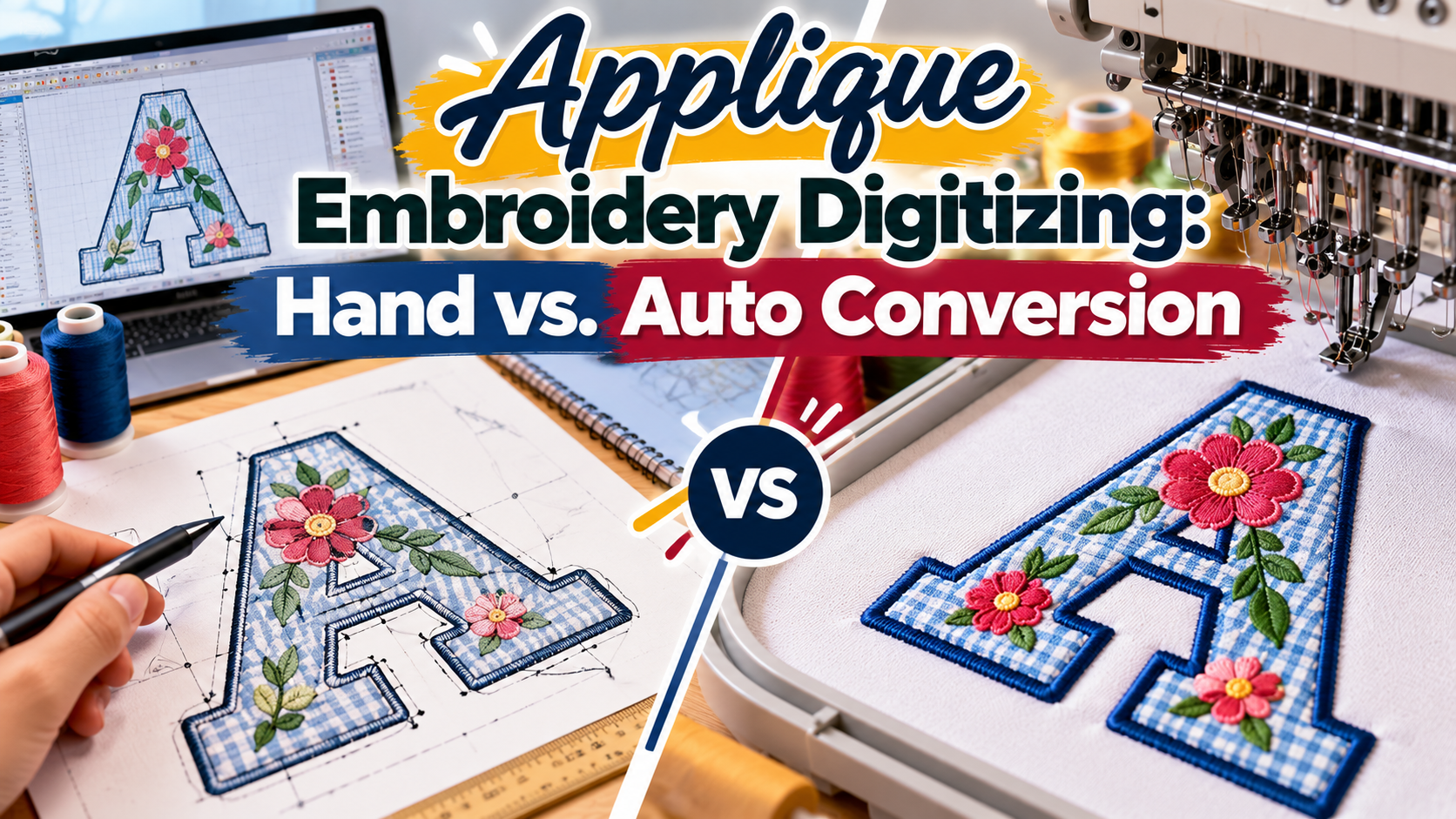
Hand digitizing and automatic conversion produce very different applique files, and the gap shows up at the machine. The best applique embroidery digitizing plans for fabric, edges, and layering, while auto conversion mostly traces shapes. This article compares both methods so you can choose the right file for your next order.
Applique embroidery digitizing converts artwork into a stitch file that guides an embroidery machine through placing, securing, and finishing fabric pieces. Because applique mixes thread and fabric, small file errors cause visible problems such as gaps, puckering, and uncovered edges. That makes the method behind your file worth understanding before you order.
What Is the Difference Between Hand and Automatic Digitizing?
Hand digitizing means a digitizer builds each stitch object manually. Automatic digitizing means software traces the artwork and generates stitches with little or no human input.
In applique embroidery digitizing, that difference matters more than in a plain fill design. A digitizer working by hand can decide how wide each border should be, where each stitch should start, and how to order the layers. Software applies default settings to every shape, whether or not those settings suit the fabric.
At iDigitize, we digitize applique files manually. We do not rely on automatic conversion.
What Applique Files Need That Fill Designs Do Not
A fill design only needs thread coverage. An applique file needs a working relationship between stitches and fabric. Every applique file should include:
- A placement stitch that outlines where the fabric goes
- A tack-down stitch that holds the fabric in place
- A border stitch that covers the cut edge, usually as a satin stitch
- Exact registration so the placement and border line up
- Sensible shape sizes that a person or laser can actually cut
Each item depends on decisions about the specific design and fabric. That is where hand digitizing has its advantage.
Where Auto-Digitizing Falls Short on Applique
Automatic software can produce a file that runs. It is much less likely to produce a file that stitches out cleanly. These are the common weak points:
- Border width: Default borders may be too narrow to cover a cut edge, especially on fabric that frays.
- Tight curves and small shapes: Software may keep shapes that are too small to trim, leaving ragged edges.
- Fabric behavior: Software does not know whether your garment is a stretchy knit, a thick fleece, or a thin woven.
- Stitch order: Poor sequencing causes extra thread breaks, jumps, and trims.
- Layer logic: Multi-layer designs need each piece placed and secured in a planned order.
Any of these can turn a small design into a slow production run. The cost shows up in wasted garments and repeated stitch-outs.
When Automatic Conversion Can Still Work
Auto conversion is not useless. For very simple shapes on a familiar fabric, it can give a workable starting file. A simple circle or block letter, stitched on a garment you already know well, is a reasonable use.
Even then, check the result before you run production. Stitch a test on your actual fabric, look at the borders, and confirm that the fabric stays flat. If you see gaps or puckering, a hand-digitized file is the better choice.
How Hand Digitizing Handles Each Applique Style
Applique is not one technique, and the right stitch plan changes with the style. We digitize these styles:
- Normal tackle twill style applique
- 3D foam or tacky applique
- Raw edge style applique
- Turned edge applique
- Laser cut style applique
- Reverse applique
- Multi-layered or stacked applique
Consider how the digitizing differs. Raw edge applique needs stitching that anchors the fabric firmly, because no heavy border covers the edge. Laser cut applique needs a file that matches the cut shape exactly. Stacked applique needs each layer to register with the one below it. A single default setting cannot cover all of these cases.
Cost, Speed, and Revisions: What to Compare
Hand digitizing sounds slower and pricier than software, but a fair comparison looks at the whole workflow, not only the file.
- Turnaround: We typically deliver applique files in 4 to 12 hours, and our rush service delivers in 1 to 4 hours.
- Pricing: We do not charge by stitch count, so you know the cost before ordering.
- Preview: We send a preview before you pay, so you can check the design first.
- Revisions: We offer free unlimited minor edits.
- Formats: We convert to any supported format at no extra charge.
Compare these terms with any provider of applique embroidery digitizing, and add the cost of a failed run. A ruined garment usually costs more than the difference in file price.
Questions to Ask Before You Choose a Digitizer
Use this short list to compare providers before you order:
- Is the file digitized by hand or generated automatically?
- Do you offer a preview before payment?
- Are minor edits free, and are they limited?
- Which file formats do you deliver? We deliver DST, PES, EMB, EXP, JEF, VP3, HUS, and XXX.
- How fast can the file arrive if I have a deadline?
- Can the file account for my fabric and applique style?
A digitizer who answers these clearly is likely to give you a file that is easier to stitch. If any answer is vague, ask for more detail before you commit.
Choose the File Built for Your Fabric
The right method depends on how much risk you can accept. Simple designs on known fabrics may tolerate auto conversion. Layered designs, tight edges, or production runs deserve a file that a person has planned around the fabric, style, and finish.
IDigitize can prepare that file for you. Send your artwork with your fabric, size, style, and machine format, review the preview, and let us know what to adjust. We can also help you decide on the best applique embroidery digitizing approach for your garment and production plan.
Frequently Asked Questions
What is applique embroidery digitizing?
Applique embroidery digitizing converts a design into a machine-readable file with placement, tack-down, and border stitches. The file guides the embroidery machine as it positions a fabric piece, secures it, and finishes the edge, so the applique holds up through wear and washing.
Is hand digitizing better than automatic digitizing for applique?
For most applique work, yes. Hand digitizing lets a person control border width, stitch order, and layering based on your fabric and style. Automatic software applies default settings to every shape. Simple shapes may work with auto conversion, but layered or detailed designs benefit from manual planning.
Can I preview an applique file before paying?
Yes. We send a preview of your hand-digitized design before you pay, so you can check placement, shapes, and borders. If something needs to change, we offer free unlimited minor edits until the design stitches the way you want.
How long does applique digitizing take?
We typically deliver applique files in 4 to 12 hours. If you need the file sooner, our rush service delivers in 1 to 4 hours. More complex designs can take longer, so tell us your deadline when you place your order.
Which file formats do you provide for applique designs?
We provide DST, PES, EMB, EXP, JEF, VP3, HUS, and XXX files. Tell us your machine or preferred format when you order. If you need a different supported format later, we convert the file at no extra charge.
