


Health and Safety Management Software for Automated Workflows
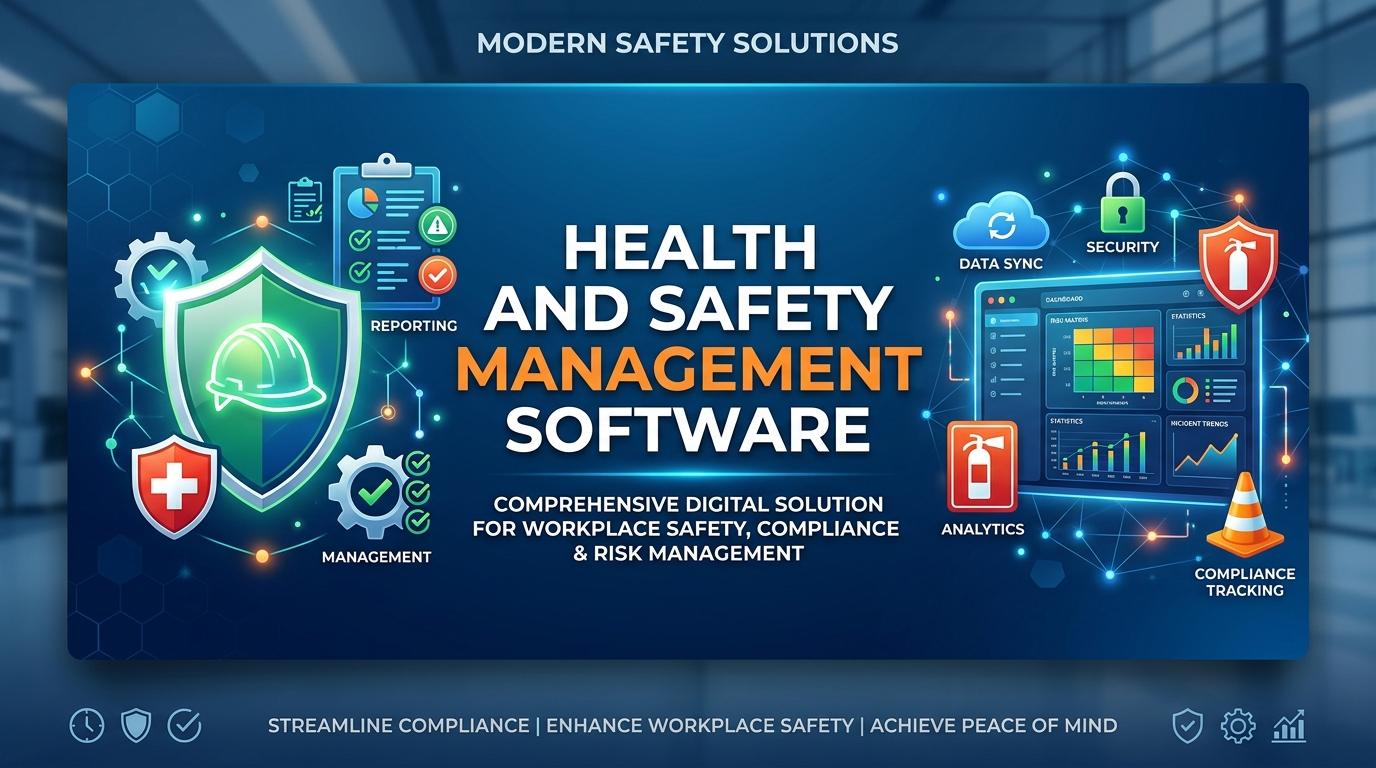
Workplace safety involves much more than recording incidents after they happen. Safety teams need to identify risks, complete inspections, assign corrective actions, manage training records, and maintain compliance documentation on a regular basis. When these activities depend heavily on spreadsheets, emails, paper forms, and manual follow ups, important tasks can easily be delayed. Health and Safety Management Software gives organizations a centralized way to manage these activities while creating automated safety workflows that help teams complete routine work more consistently.
For many organizations, automation is not about removing people from safety operations. Instead, it helps safety professionals spend less time chasing information and more time dealing with the risks that need their attention.
What Is Health and Safety Management Software
Health and Safety Management Software is a digital system designed to help organizations manage workplace health and safety activities from one place. Depending on the solution, it can include tools for risk assessments, inspections, incident reporting, corrective actions, employee training, compliance records, audits, and safety reporting.
A safety team may otherwise have information spread across different spreadsheets and folders. One person may maintain inspection records while another manages incident reports through email. This can make it difficult to see what has been completed and what still requires action.
Health and safety software brings these activities together. Teams can create workflows, assign responsibilities, set deadlines, track progress, and maintain records through a centralized platform.
Why Automated Safety Workflows Matter
Safety processes often involve several steps. For example, an employee may report a workplace hazard, a safety officer may review it, someone may be assigned corrective action, and a manager may need to verify that the issue has been resolved.
When these steps are handled manually, follow ups can become inconsistent.
Automated safety workflows can help by triggering the next step based on predefined rules. A new incident report can automatically notify the responsible safety officer. An overdue corrective action can generate a reminder. A scheduled inspection can appear on the assigned employee's task list.
This creates a more organized process where people know what they need to do and when they need to do it.
Centralizing Workplace Safety Activities
Workplace safety software can provide a central location for important safety information.
Instead of searching through emails or separate files, authorized users can access records through the same system. This can include
• Safety inspections
• Risk assessments
• Incident reports
• Near miss records
• Corrective actions
• Employee training records
• Audit information
• Compliance documents
• Safety observations
Centralization can also make it easier for managers to review safety performance across departments or locations.
Automating Risk Assessments
Risk assessment is an important part of workplace safety because organizations need to identify hazards before they result in injuries, damage, or operational disruption.
With risk management software, teams can create digital risk assessments and assign them to specific employees or departments. The system can record identified hazards, evaluate risk levels, recommend controls, and track the actions required to reduce those risks.
Automated reminders can also help teams review assessments at scheduled intervals.
For example, if a risk assessment needs to be reviewed every six months, the system can notify the responsible person when the review is due. This reduces the chance that important assessments remain untouched for long periods.
Managing Safety Inspections
Regular inspections help organizations identify unsafe conditions in workplaces, equipment, facilities, and operational areas.
Traditional inspections may rely on paper checklists that later need to be entered into spreadsheets. This creates extra work and can delay the availability of inspection results.
Health and Safety Management Software can provide digital inspection checklists that employees can complete from computers or mobile devices. Once an inspection is submitted, the results can be stored within the system and routed to the appropriate person.
If an inspection identifies a problem, an automated workflow can create a corrective action and assign it to the responsible employee.
Automating Incident Management
Workplace incidents require timely reporting and investigation. A delayed report can make it harder for safety teams to collect accurate information and identify contributing factors.
Incident management software allows employees and safety teams to report incidents through a structured digital process.
A typical workflow may include
• Incident reporting
• Initial review
• Investigation
• Root cause analysis
• Corrective action assignment
• Management review
• Closure
Automation can move the report from one stage to another while notifying the appropriate people. This gives safety teams a clearer view of the investigation process.
Near misses can also be recorded. Even when an event does not cause an injury, the information may help organizations identify conditions that could lead to a more serious incident later.
Managing Corrective Actions
Identifying a problem is only one part of safety management. Organizations also need to make sure that the problem is corrected.
Health and safety software can connect identified issues with corrective actions. Each action can have an assigned person, due date, priority, and status.
Automated reminders can notify employees when deadlines are approaching. Managers can also see which actions are open, completed, overdue, or awaiting verification.
This creates greater accountability because safety teams do not have to depend entirely on manual follow ups.
Supporting Safety Compliance
Organizations often need to maintain safety records for internal policies, audits, regulatory requirements, and industry standards.
Safety compliance software can help maintain these records in a structured environment. Teams can store relevant documentation, track completed activities, and generate reports when information is required.
Automated workflows can also support recurring compliance activities. If a particular inspection, training activity, or review must be completed regularly, the system can schedule the task and notify the responsible person.
This can make compliance management more organized and easier to monitor.
Managing Employee Safety Training
Training records are another important part of workplace safety.
Organizations may need to know which employees have completed required training, which courses are due for renewal, and which employees still need specific training.
A health and safety system can maintain employee training records and send reminders before certifications or training requirements expire.
Managers can also review training status by employee, department, location, or job role.
This approach helps organizations maintain better visibility over workforce competency without relying on multiple spreadsheets.
Connecting Different Safety Processes
One of the major advantages of automated safety workflows is the ability to connect different safety activities.
For example, an inspection may identify a hazard. That hazard can create a corrective action. The corrective action can then be assigned to an employee with a deadline. Once completed, the responsible manager can verify the result.
Similarly, an incident may lead to a risk assessment update, additional employee training, or a change in a workplace procedure.
When these processes operate within one safety management system, information can move between activities more efficiently.
Improving Communication Between Safety Teams
Safety management often involves employees, supervisors, managers, contractors, and safety professionals. If information is communicated through disconnected channels, people may not know who is responsible for a particular task.
Automated workflows can make responsibilities clearer.
When an action is assigned, the responsible person can receive a notification. Managers can monitor progress, while safety teams can review outstanding tasks from a central dashboard.
You do not have to rely on someone remembering to send another email or make another phone call for every task.
Using Safety Data For Better Decisions
Health and safety software can turn daily safety activities into useful operational data.
Managers can review information such as
• Number of reported incidents
• Near miss frequency
• Inspection results
• Open corrective actions
• Overdue safety tasks
• Training completion rates
• Common workplace hazards
• Safety performance across locations
These reports can help teams identify recurring problems and decide where additional attention may be needed.
For example, if the same type of hazard appears repeatedly in one area, the safety team can investigate the underlying cause instead of simply closing individual corrective actions.
Mobile Access For Safety Teams
Safety teams are not always sitting behind a desk. They may work across warehouses, construction sites, factories, offices, facilities, or multiple operational locations.
Mobile access can make workplace safety software more practical for these environments.
Employees can use mobile devices to report hazards, complete inspections, upload supporting information, and update assigned tasks while they are working in the field.
This can reduce the delay between identifying a safety issue and recording it in the system.
Choosing The Right Health and Safety Management Software
Every organization has different safety requirements, so the right system should match the way your teams actually work.
Before choosing a solution, consider features such as
• Risk assessment management
• Incident and near miss reporting
• Safety inspections
• Corrective action tracking
• Automated workflows
• Training management
• Compliance records
• Mobile access
• Reporting and dashboards
• User permissions
• Integration with existing business systems
You should also consider how easy the system is for employees to use. A platform with many features may not deliver much value if employees find it difficult to report hazards or complete assigned tasks.
How To Implement Automated Safety Workflows
Successful implementation usually starts with the safety processes your organization already follows.
First, identify repetitive activities that consume significant time. These may include inspections, incident reviews, corrective action follow ups, or training reminders.
Next, define who is responsible for each step and how the process should move forward.
Once the workflow is configured, test it with a small group of users. Ask employees and safety professionals where the process feels confusing or unnecessary. You can then adjust the workflow before expanding it across the organization.
Training also matters. Employees should know how to report incidents, complete inspections, respond to assigned tasks, and access relevant information.
Final Thoughts On Health and Safety Management Software
Health and Safety Management Software can give organizations a more structured way to manage everyday safety responsibilities. Instead of treating inspections, incidents, risks, corrective actions, training, and compliance as separate activities, teams can connect them through automated safety workflows.
For you and your safety team, the biggest benefit may be the reduction of repetitive administrative work. Automated reminders, digital records, assigned responsibilities, and centralized reporting can make it easier to keep safety activities moving.
The goal is not simply to automate more tasks. It is to create a safety process where important actions are visible, responsibilities are clear, and potential risks receive attention before they become larger problems.
